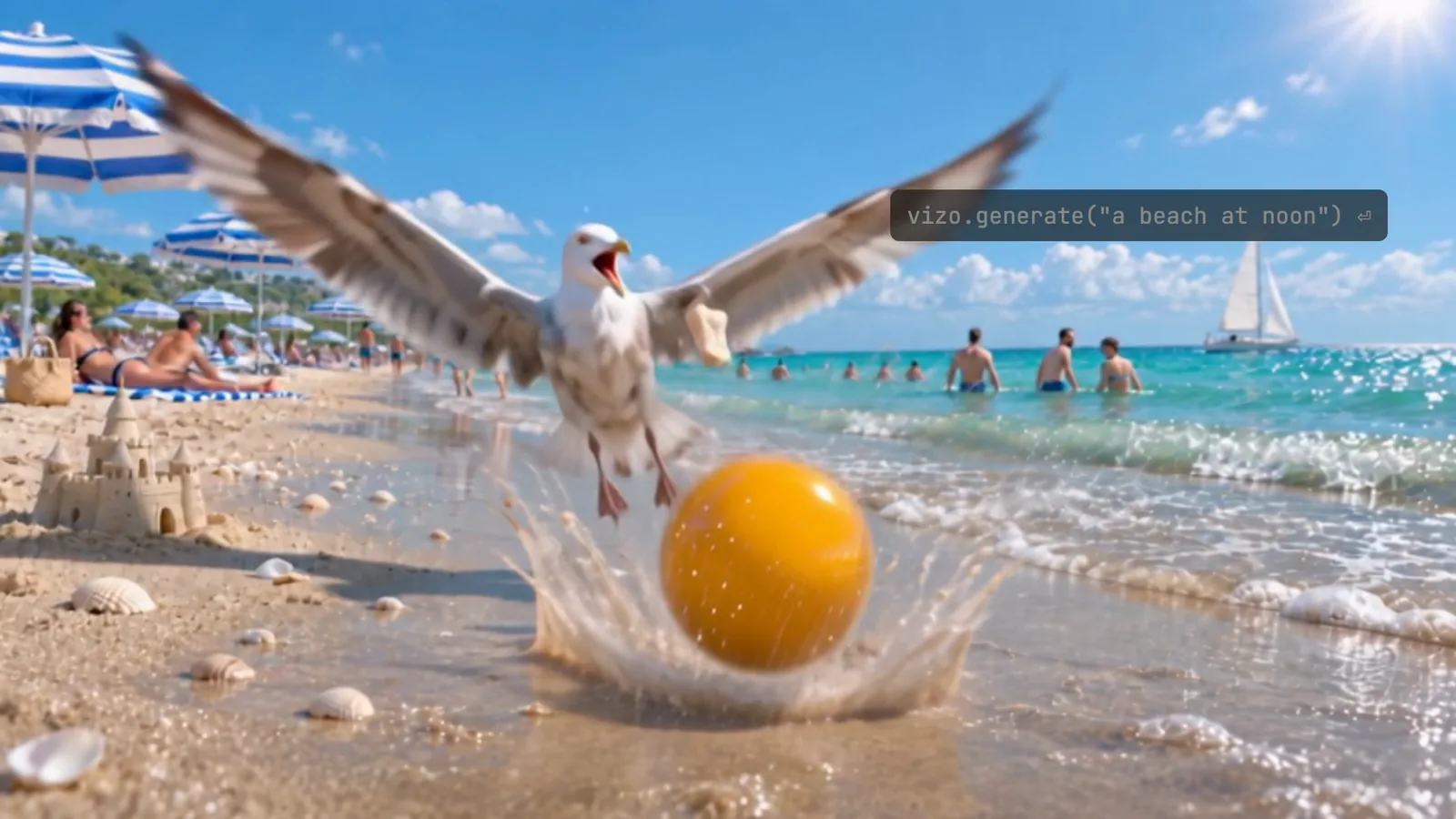
热门视频与图像生成模型
每个模型擅长什么,以及它最低的一档价格。
 比 fal 便宜 40%Seedream 5.0 Pro20 积分/张 ($0.10) fal 价格 $0.135/张
 比 fal 便宜 25%Wan 3.010 积分/秒 ($0.05/秒) · 480p

fal 价格来自其公开价格页,2026-11-03 核对。百分比按美元标准包计算。
按任务找模型
选一个任务,看一段真实样片,以及能做这件事的全部模型和各自最低的一档价格。
视频与图片生成 API 价格
只列出已接通、可直接调用的模型。视频按秒标价,图片按张标价。每个价格都是该模型最低的标准单价。
| 模型 | 任务 | 价格 | fal |
|---|---|---|---|
| 文生视频, 图生视频, 视频生视频 | 26.4 积分/秒 ($0.132/秒) · 480p | 比 fal 便宜 40% fal 价格 $0.221/秒 |
 | 文生视频, 图生视频, 视频生视频 | 8.4 积分/秒 ($0.042/秒) · 480p | 比 fal 便宜 41% fal 价格 $0.072/秒 |
 | 文生视频, 图生视频, 视频生视频 | 13.4 积分/秒 ($0.067/秒) · 480p | 比 fal 便宜 40% fal 价格 $0.113/秒 |
 | 文生视频, 图生视频, 视频生视频 | 16.8 积分/秒 ($0.084/秒) · 480p | 比 fal 便宜 40% fal 价格 $0.141/秒 |
 | 文生视频, 图生视频, 视频生视频 | 10 积分/秒 ($0.05/秒) · 480p | 与 fal 同价 |
 | 文生视频, 图生视频, 视频生视频 | 31.4 积分/秒 ($0.157/秒) · 720p | 与 fal 同价 |
 | 文生视频, 图生视频, 视频生视频 | 28 积分/秒 ($0.14/秒) · 720p | 与 fal 同价 |
| 模型 | 任务 | 价格 | fal |
|---|---|---|---|
| 文生图, 图片编辑 | 20 积分/张 ($0.10) | 比 fal 便宜 25% fal 价格 $0.135/张 |
 | 文生图, 图片编辑 | 7 积分/张 ($0.035) | 与 fal 同价 |
fal 价格来自其公开价格页,2026-11-03 核对。百分比按美元标准包计算。
一次请求调用视频生成 API
提交一次请求,得到任务 ID;用轮询或 Webhook 取回结果,成品自动保存 7 天。
API=https://api.vizoapi.com/v1
AUTH="Authorization: Bearer $VIZO_API_KEY"

# Create the task once and keep its ID.
ID=$(curl -fsS $API/generations -H "$AUTH" -H "Content-Type: application/json" \
  -d '{
  "model": "seedance-2-5",
  "input": {
    "content": [
      {
        "type": "text",
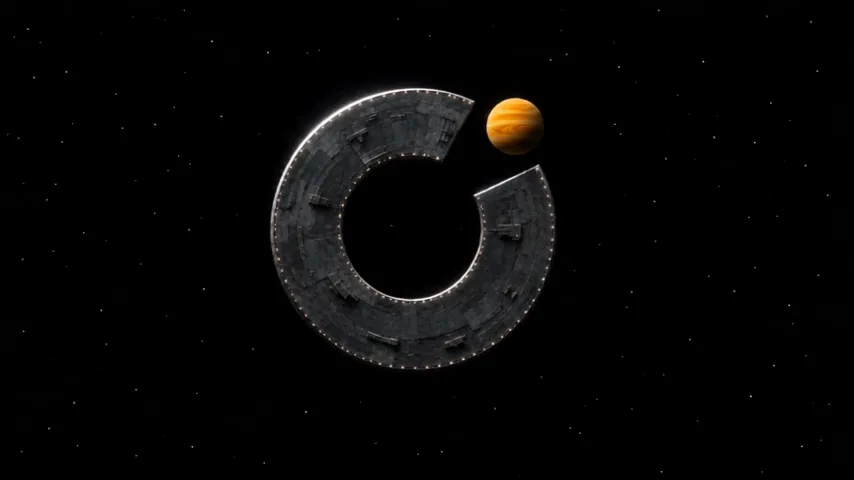
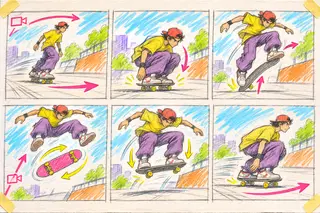
        "text": "一段 12 秒的电影感太空歌剧,共四个镜头,史诗而安静,胶片颗粒,自然光。\n镜头 1:远古草原的黎明,广角低机位。几个原始人类警惕地蹲伏在参考图中那块高大的黑色石碑周围。光滑的碑面上刻着一个开口圆环,缺口在右上方。\n镜头 2:镜头缓慢推向石碑。琥珀色的太阳从石碑背后升起,正好嵌进圆环的缺口,补全了这个符号。一个原始人站起来,举起一个带着长长弯角、被晒白的动物头骨,长啸一声,把它奋力抛向高空。\n镜头 3:慢动作,低机位仰拍,带角的头骨在黎明的蓝天里高高翻滚,两只弯角连成一道开口的圆弧。匹配剪辑:翻滚的头骨变成参考图中那座深灰色的环形空间站,在漆黑的太空中以同样的方式翻滚。\n镜头 4:太空中的固定机位。空间站慢慢停下,正对镜头:一个开口圆环,缺口在右上方,环上有一排细小的灯光。一颗琥珀色的行星从它后方升起,正好填满缺口。画面定格。\n声音:风声,远处的鸟叫,低沉的吼声,渐强的低频嗡鸣,一声长啸,头骨划破空气的呼啸,然后是太空的寂静和一段悠长低沉的合成器长音。没有配乐,没有人声,没有文字。"
      }
    ],
    "resolution": "720p",
    "ratio": "16:9",
    "duration": 5
  },
  "metadata": {
    "client_reference": "my-unique-reference-1"
  }
}' | jq -r .id)

# Poll until the task closes, then read its status and result.
until curl -fsS $API/generations/$ID -H "$AUTH" | jq -e '.closed_at != null' > /dev/null; do sleep 5; done
curl -fsS $API/generations/$ID -H "$AUTH" | jq '{status, result}'- 已受理
- 生成中
- 已完成
或者,让编程 Agent 帮你接入
把一段提示词复制给 Claude Code、Codex 或 Cursor。Agent 会阅读你的项目和我们的文档,在你的服务端接好 VizoAPI,你只需要填入 API Key。
查看完整步骤# Task: integrate VizoAPI into this application
Follow this project's own instructions. Treat the VizoAPI documents as reference, not as permission to change unrelated features, publish or deploy.
Step 1. Look before you edit. Inspect the project: framework, server routes, background jobs, storage, user or tenant model, and any code that already calls an image, video or audio generation API. If an integration exists, list every call site with its provider, exact model, input fields and file location. Keep what is configured apart from what is actually called, and list unknowns instead of guessing. If the project has no integration yet, confirm with me what the feature must do before you build it. Do not read or print secret values.
Step 2. Read the documentation. Start at https://vizoapi.com/docs and the quickstart https://vizoapi.com/docs/first-video, then read the API reference pages you need. Every docs page also exists as Markdown at the same address with ".md" added. The full index is https://vizoapi.com/llms.txt and the OpenAPI document is https://vizoapi.com/docs/openapi.json. Also read Rate limits https://vizoapi.com/docs/rate-limits, Billing https://vizoapi.com/docs/billing, Errors https://vizoapi.com/docs/errors. After you choose a model in step 4, read its guide, https://vizoapi.com/docs/models/<model id>.md. Use only the endpoints and fields documented there. Do not invent an SDK, a package name or an endpoint.
Step 3. Authentication and base URL. Every API call goes to the API host, not the website:
https://api.vizoapi.com
Read the base URL from the server-side environment variable VIZO_API_BASE_URL, with that value as the default, so a test environment can point elsewhere. Send Authorization: Bearer <key> and Content-Type: application/json. Read the key from the server-only environment variable VIZO_API_KEY, and never store the word Bearer in it. Keep every authenticated call on the server. Never ask me for the key in this chat, and never put it in browser or app code, logs or the repository.
Step 4. Choose the model. Call `GET /v1/models` and `GET /v1/models/{id}` to find the model for each use case. Read its `inputSchema`: the fields, resolutions, durations and aspect ratios it accepts, in the model's own field names. Read its `features` and the price of each of its `tiers`; the input alone selects the tier. Check the model's input limits (how many images, videos and audio files, and how long) and enforce them on the server. Prefer the same model and version the project uses today, and never treat a similar name as the same model. If no documented model fits, stop and ask me. Then read the model's guide, https://vizoapi.com/docs/models/<model id>.md, and start from its example bodies: it lists the modes the model supports with a runnable body for each, its input limits, how its price is held and charged, and the errors it returns. To validate a body without creating anything, send it to `POST /v1/estimates`: it is free, creates no task, holds no Credits and refuses invalid input with the same errors as a create. It needs the generations:create scope and counts against the rate limits.
Step 5. Create the task. Call `POST /v1/generations` with `model` and `input`. Build `input` from the schema: for Kling and Wan the prompt goes in `input.prompt`, for Seedance and MiniMax in a text part of the input's content list. Send only the fields the schema lists, such as `input.resolution` and `input.duration`; any other field is refused with HTTP 422. Check the same allowed values in the form, on the server and in the request body. Add `metadata` with a `client_reference` of your own, such as your order id. Store the task `id` together with the user or tenant that created it. The call returns HTTP 202 at once; the result comes later.
Step 6. Never repeat a create call blindly. Each accepted create call is a separate task and a separate charge. Turn off automatic retries for this POST in the HTTP client and in any proxy, and stop the user from submitting the same form twice. If a create call times out or disconnects, do not send it again: first look for the task with `GET /v1/generations` and the same `client_reference`. A 429 response means no task was created: wait the number of seconds in the Retry-After header, then try again. By default an organization runs 3 video tasks at once (10 image, 10 audio); a create above that gets 429 concurrency_limited, so keep your own queue and submit the next task when one finishes.
Step 7. Wait for the result. Poll `GET /v1/generations/{id}` every 5 seconds, slowing to every 10 seconds, with an overall time limit. The task is finished when `closed_at` is not null. If `status` is "succeeded", take every `asset_id` in `result.outputs`, in order; a task with one output lists one. `result.asset_id` repeats the first output, so do not download it twice. While the task runs, `status` is "processing". There is no cancel call: stopping the polling does not stop the task, and it runs to the end and is charged if it succeeds. Do not build a cancel button. A task can still end as "canceled" when the system closes it, for example when it was not started in time; it is not charged. A task still unfinished at its deadline (24 hours after acceptance by default) closes as "unresolved": its hold is released and it is not charged, so treat it as failed. If its result arrives later anyway, the task sets `late_result_available` to true and gains a `result` at no charge (webhook event `generation.late_result_available`). Check that the task belongs to the current user before you show its status or result.
Step 8. Download and keep the output. Call `GET /v1/assets/{id}/download` and fetch the returned `url` at once, without the API key, because it expires at `url_expires_at`. Copy the file to your own storage: outputs are kept for 7 days only. If the task did not succeed, read `error.code` and show the user a clear message. To send an input image, video or audio file, upload it first: `POST /v1/assets/uploads` with `mime` and `max_bytes`, PUT the bytes to the returned `upload_url`, then call `POST /v1/assets/{id}/complete`, and put the `asset_id` where the schema expects the media. A media field also takes a public HTTPS URL. A local file path is not an asset.
Step 9. Webhooks, if you want them instead of polling. Create the endpoint in the console, then pass `webhook_endpoint_id` when you create the task. A delivery is a POST signed per the Standard Webhooks specification, with the headers webhook-id, webhook-timestamp and webhook-signature. Verify it with the official Standard Webhooks library for the language (standardwebhooks on npm and PyPI) and the endpoint's whsec_ signing secret, passing the raw request body; the library checks the signature and the 5-minute timestamp window. Ignore a webhook-id you have seen. Then read the task with `GET /v1/generations/{id}` and act on that read.
Step 10. Errors and cost. Handle a missing or invalid key (401), too few Credits (402), invalid input (422), too many requests (429) and server errors (500, 503). Retry reads with backoff; never retry a create call except after a 429. Prices are in Credits: read the charge from `price.charged` on the task and the balance from `GET /v1/wallet`, which needs a project key with the balance:read scope. The charge follows actual usage and can be above the estimate; Credits the balance cannot cover are owed, and new creates get 402 balance_negative until a top-up. Inputs and outputs are always moderated, with no switch; a refused task usually fails with input_moderated or output_moderated, but on some models (Kling) with generation_failed, and either way it is not charged. Do not hard-code prices.
Step 11. Finish. Run the project's checks and tests. Tell me what changed, which server environment variables to set, how to try the feature, and what is still unverified. A passing local check is not proof that a live call works. Ask me before any live call that costs Credits, and before you deploy.Seedance 比 fal 便宜 40%
同一个 Seedance 请求,fal 公开价格页上的价格与 VizoAPI 的价格并排对比。
按标准 $10.00 充值包价格计算,不含税,比较同一请求每输出一秒的价格:720p · 文生视频。fal 价格于 2026-11-03 核对。
按标准 $10.00 充值包价格计算,不含税,比较同一请求每输出一秒的价格:720p · 文生视频。fal 价格于 2026-11-03 核对。
按标准 $10.00 充值包价格计算,不含税,比较同一请求每输出一秒的价格:720p · 文生视频。fal 价格于 2026-11-03 核对。
按标准 $10.00 充值包价格计算,不含税,比较同一请求每输出一秒的价格:720p · 文生视频。fal 价格于 2026-11-04 核对。
为什么选 VizoAPI
公开单价
每个模型都有公开价格,调用前就能看到:视频按秒计,图片按张计。任务按受理时生效的价格结算。
失败不扣费
任务受理时冻结积分;生成失败,或受理后 24 小时内仍未交付,冻结的积分全部退回钱包,不需要申请。
按任务逐笔账单
账单里每一笔扣费都对应一个任务,每笔费用都能对回具体的请求。
VizoAPI 能生成什么?
一次请求是怎么走的?
可以让 Claude Code、Codex 或 Cursor 帮我接入吗?
一次请求怎么计费?
生成失败会扣费吗?
支持哪些付款方式和币种?
为什么 Seedance 比 fal 便宜?
怎么获得帮助,或者谈大用量价格?